“Me”
Web Design - Portfolio - 2025
This project was an assignment in the Web Design course, but also an important element for our future internship or job. I had specifications to follow, and therefore required pages:
- The site must be developed with WordPress;
- The site must be usable and accessible when JavaScript is disabled;
- It must be accessible, usable, must have a concept, and must respect our branding;
- Your portfolio must consist of at least:
- an “archive” containing all the projects you will be presenting;
- a detailed view for each project presented;
- a contact form with your contact information;
- a presentation of yourself.
My goal is to start with something simple and effective, just like me. That’s why I chose a sober atmosphere, one that does its job well, that represents me, and that I like.
1 - Inspiration - Moodboard
For this project I started by making a small mood board to already have a basic idea of what I wanted to have and I gradually added elements on the font, the colors and others while advancing in my project. As my ideas become more precise while working on the project, more inspiration is needed and they can change so it is always evolving.
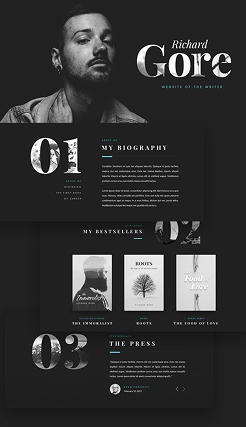
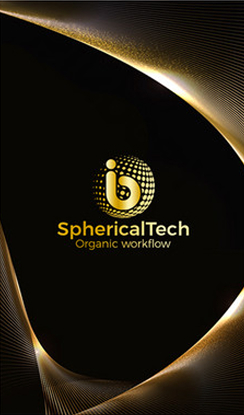
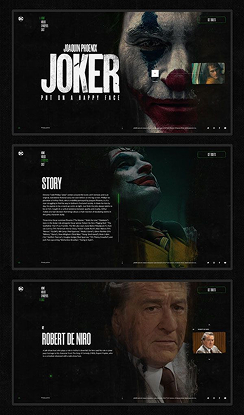
2 - Creation - Prototype
Next, I made a quick prototype of the topics I wanted to cover on the site and on which pages. This step was necessary to see how to organize my pages and set out my ideas so that what follows would be clearer.
3 - Creation - Wireframe
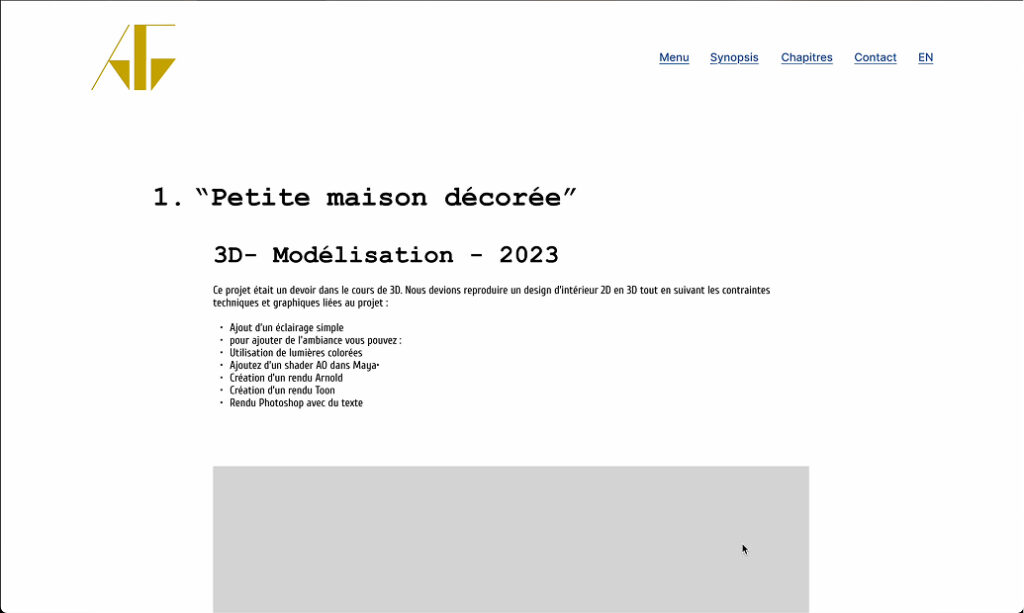
Now comes the wireframe stage. We make our design as pure as possible, without color, without font, just with the layout we want as well as the elements: texts, images, navigation… This part allows us to see how we can arrange things and what we can put there. For this project, I wanted to put a lot of images to illustrate all my projects but also to start with the idea that we arrive on the site to watch a film, mine, and that’s what I wanted to convey in this wireframe and then make it easier to build the design.
4 - Creation - Design
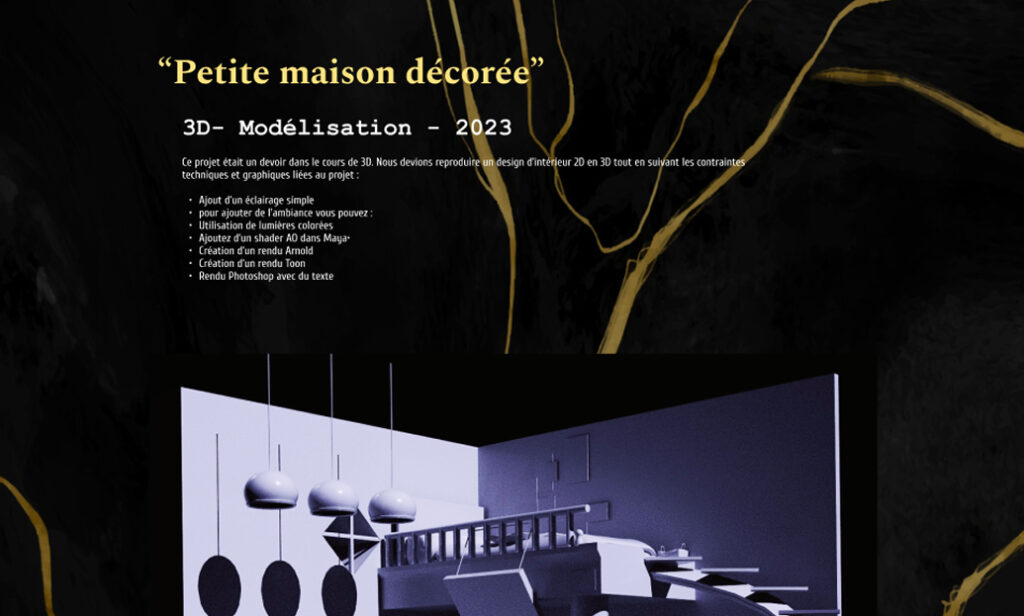
This is the design stage. I add the colors, the fonts I want and all the images to make my project more attractive and so that it is really linked to my theme. For this I started with a black background to stick to the cinema atmosphere. Then, I put a lot of photos for my projects and also because cinema is made of images. For the home page, I put the poster of my film for the different choices to make like on a DVD. For the rest of the colors, I stayed with sober colors.
5 - Creation - WordPress/CSS/JavasScript
The last step is to create the site. For this project, we had to use WordPress as a CMS, it’s a tool that allows you to easily create, manage, and modify a website without having to code everything by hand. We need to make this interface as easy and logical as possible. To modify this, we need to do the PHP, this is where we’ll add the different fields, for example: houses, donations, rules… This part replaces the HTML part. Afterwards, we still need to do CSS or SCSS to style the site and also JavaScript to animate the site.