“Paper Heroes”
Mobile App Design - Encyclopedia - 2024
This project was an assignment in the Mobile App Design course. I had to meet a set of specifications, including the following pages:
- Search System;
- Home Page;
- Search Results Page;
- Item Detail Page;
- Category Page;
- Settings Page;
- Sharing.
Obviously, the entire design had to be user-friendly, attractive, and ergonomic.
1 - Inspiration - Moodboard
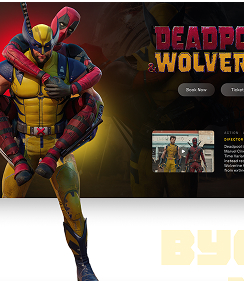
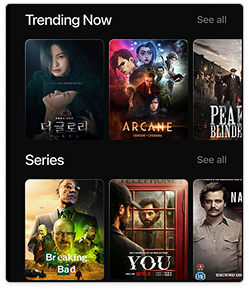
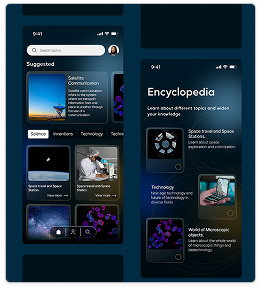
First, we needed to find inspiration and models. To do this, we had to create a mood board, a photo montage that would capture the atmosphere of our project and serve as a guiding principle throughout the creation process. Here, I used plenty of examples of movie apps and Marvel images.
2 - Creation - Prototype
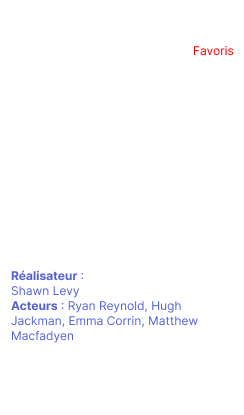
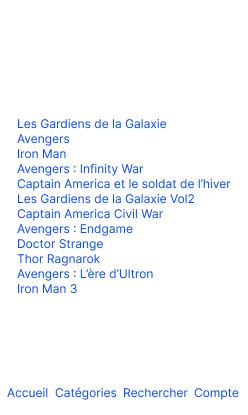
Then, to get a general idea of the text that will be in the design, and even the images, we create a prototype. This also allows us to make connections between pages and see if everything is working properly without having to change the entire design each time. This is the first foundation of our application.
3 - Creation - Design
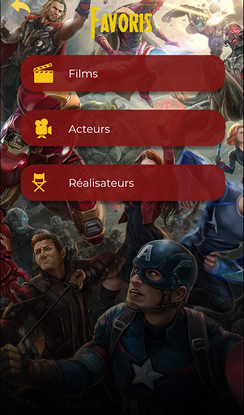
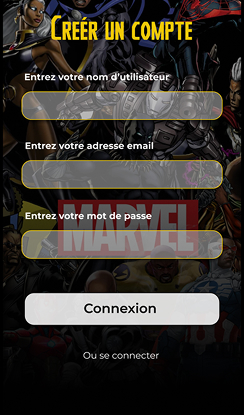
Next, we move on to the design of our application. We add the font, images, color, and everything needed to create an attractive and user-friendly design. Here, I wanted to create a cinematic universe that would fit with Marvel, so I kept the colors dark and black. I added yellow because this color was very present in the models, and red for Marvel. I added a lot of images because the Marvel universe is image-based, and it was more associated with it than a neutral background.
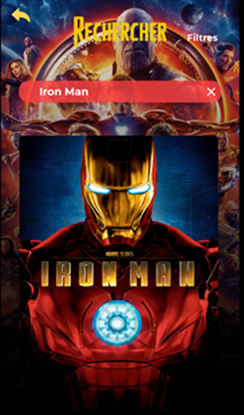
4 - Creation - Animation
The final step is to animate our application, just like our prototype. This is where it will truly come to life. We’ll animate the buttons, images, navigation, and more. For this application, there aren’t many animations other than click animations, but there are quite a few image sliders.